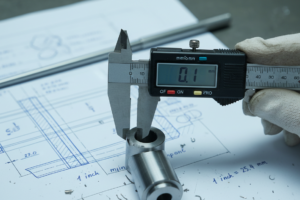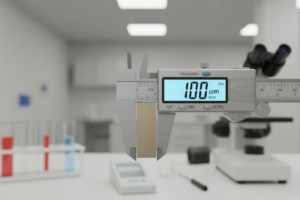
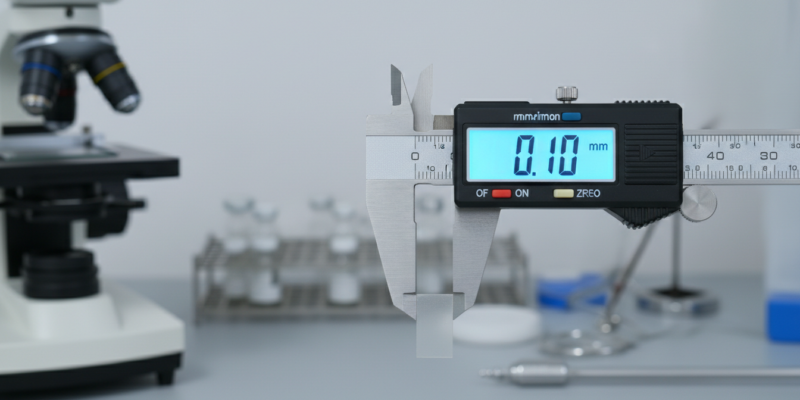
Understanding 0.1 mm to Micron Conversion
Let’s start with what you came here for: 0.1 mm equals exactly 100 microns. This conversion comes up more often than you’d think, especially if you’re working with precision manufacturing, medical equipment, or quality control processes. Engineers checking tolerance specifications and lab technicians measuring particle sizes rely on this conversion daily. Unit Genie’s instant calculator handles this measurement switch in seconds, giving you accurate results whether you’re designing microfluidic devices or inspecting surface finishes that demand exacting standards.
What Are Millimeters and Microns?
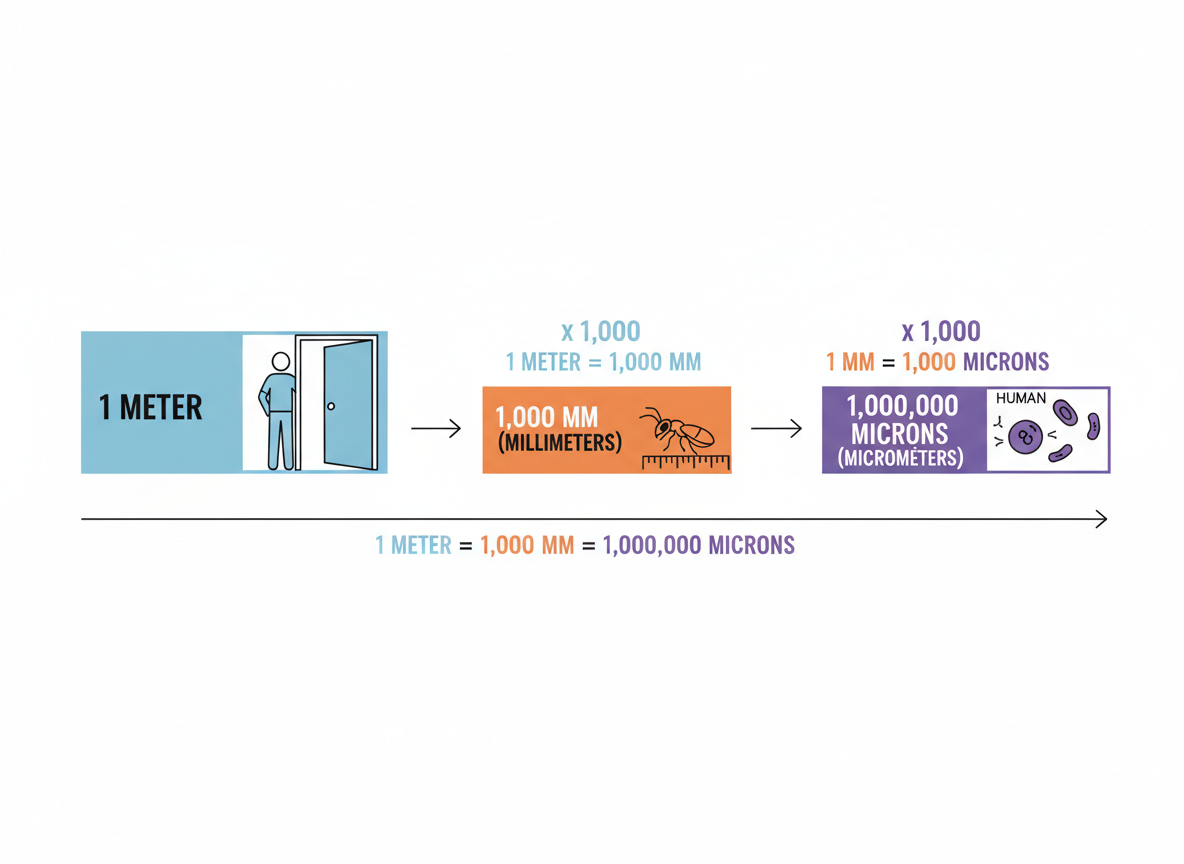
A millimeter represents one-thousandth of a meter (0.001 m), while a micron—technically called a micrometer—is one-millionth of a meter (0.000001 m). That means 1 millimeter contains exactly 1,000 microns. The metric system built these units to handle measurements at different scales. When you’re working with precision measurements like converting 0.1 mm to microns, microns shine because they eliminate awkward decimals. Scientists and engineers prefer microns for microscopic work—it’s much cleaner to say “50 microns” than “0.05 millimeters.”
The Simple Conversion Formula
Converting 0.1 mm to microns is straightforward once you know the basic relationship: 1 millimeter equals 1,000 microns. To find your answer, multiply 0.1 by 1,000, which gives you 100 microns. Going backwards? Divide microns by 1,000 to get millimeters. For other metric conversions like 1.1 cm to mm, the same multiplication principle applies across different scales.
Real-World Examples of 0.1 mm (100 Microns)
To put 100 microns in perspective, think about the width of a human hair—that’s typically between 70 and 100 microns. Standard printer paper? Right around 100 microns thick. In precision manufacturing, engineers often specify tolerances down to this level, especially in aerospace and medical device production. You’ll also find this scale matters in biology, where many cell types measure between 10 and 100 microns. Understanding this dimension helps bridge the gap between what we can see with our naked eye and the microscopic world.
Frequently Asked Questions
How many microns is 0.1 mm?
0.1 mm equals exactly 100 microns. This conversion is straightforward: since 1 millimeter contains 1,000 microns, you just multiply 0.1 by 1,000 to get 100 microns. It’s one of those handy conversions worth memorizing if you work with precision measurements regularly.
What’s the difference between micron and micrometer?
There’s no difference—they’re two names for the same unit. “Micrometer” is the official SI (International System of Units) term, while “micron” is the informal name that everyone actually uses. You’ll hear “micron” in manufacturing plants, labs, and pretty much anywhere people deal with tiny measurements. The symbol µm represents both terms.
When should I use microns instead of millimeters?
Switch to microns when you’re measuring anything smaller than 1 mm. It makes the numbers easier to work with—saying “50 microns” beats “0.05 mm” for clarity. You’ll find microns standard in microscopy (cell sizes range from 10-100 microns), precision manufacturing (tolerance specs often call for measurements within a few microns), semiconductor fabrication, filter ratings, and coating thickness measurements. If your measurement involves decimal places in millimeters, microns probably make more sense.
Are micron measurements accurate enough for scientific work?
Absolutely. Microns are precise enough for most laboratory and industrial applications. Many electron microscopes can resolve details down to a fraction of a micron, and manufacturing tolerances in aerospace and medical devices routinely specify measurements to single-digit microns. For reference, a human red blood cell is about 7-8 microns in diameter—that’s the level of precision we’re talking about.